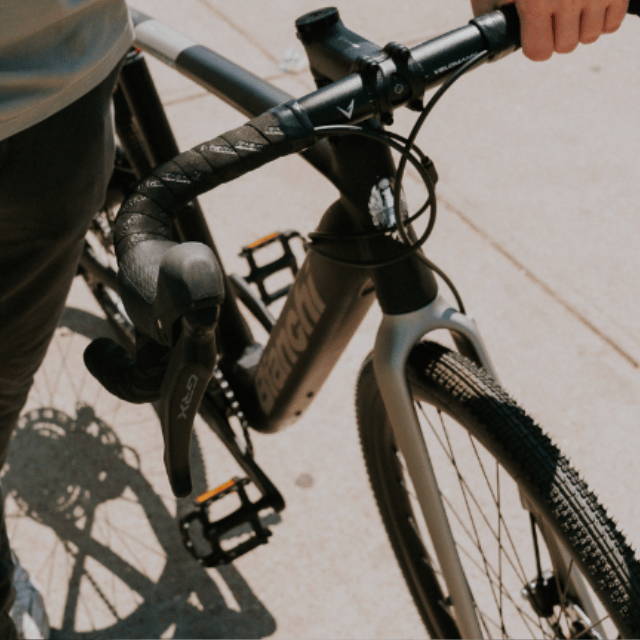
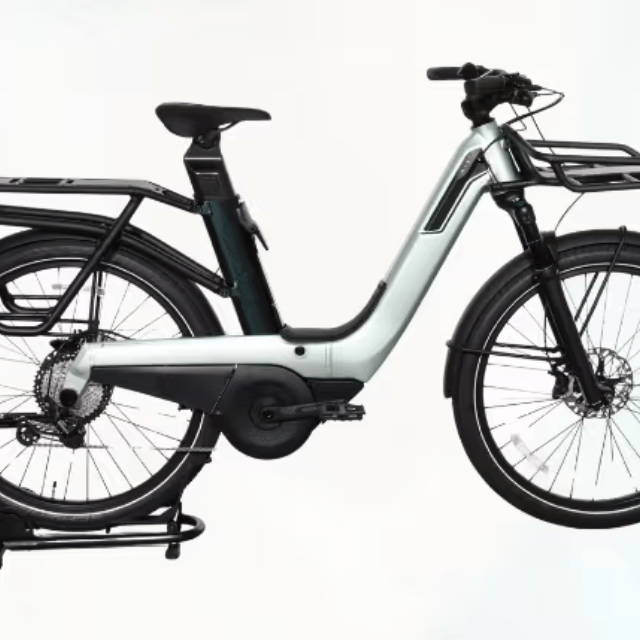
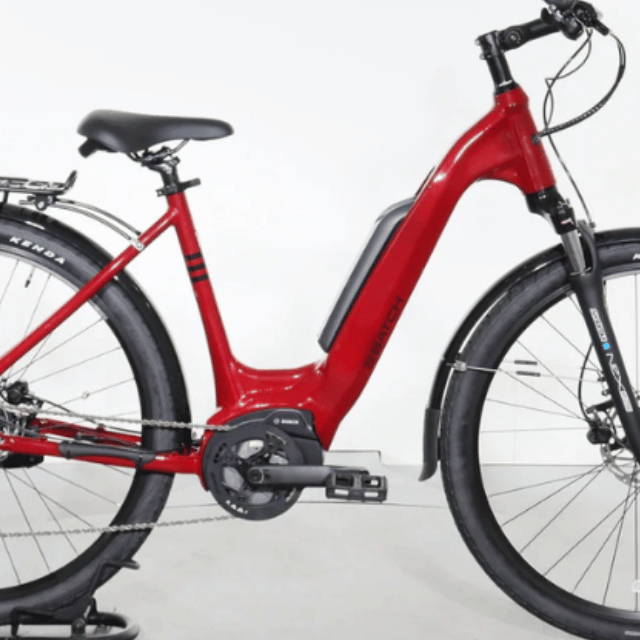
Restart once, then do a fast scan for a pinched cable near the head tube, a loose plug you can see, and a battery that isn’t fully seated.
Priority E-Bike Error Codes: Fixes for Current Plus, e-Coast, Glide, and Skyline Smart.Shift
Written by: Chris Van Leuven | January 29, 2026 | Time to read 5 min
Priority e-Bike error codes explained for Current Plus, e-Coast, Glide, and Skyline Smart.Shift: standard numeric codes, quick fixes, and when to contact a shop for repair.

More about the Author: Chris Van Leuven
Chris is a writer, climber, and founder of Yosemite E-Biking in Mariposa, CA. When he’s not tackling Sierra Foothills trails or scaling rock walls, he’s crafting adventure stories with his boxer, Fenster. His work has appeared in Outside, Men’s Journal, Gripped, and Best American Sports Writing.

Priority is a small New York City company with a knack for building bikes and e-Bikes that ask almost nothing of you. Their lineup leans into belt drives, clean commuter lines, and a philosophy that says you should spend more time riding and less time fixing.
Priority started on Kickstarter back in 2014, aiming to create everyday bikes that look sharp, roll quietly, and don’t demand much maintenance. In their e-Bike line, they currently make a hardtail mountain e-Bike, a city e-Bike, an electric cruiser, and a city/mountain hybrid.
All of that feels effortless—until the day your display suddenly flashes a code you’ve never seen, and the motor goes quiet. Suddenly, you’re not just riding; you’re troubleshooting.
Here’s the first thing to understand: Not all priority eBikes use the same electronic communication. Each model has its own system, so there’s no single error code list that applies to all years or models. Start with the basics, but if the same code keeps coming up, it’s best to stop guessing and investigate further.
👋 Welcome to Upway!
Upway is your top destination for buying and selling e-Bikes online. Discover your next e-Bike at up to 60% off retail prices, available in new or like-new condition.
Table of Contents
Identify your Priority e-Bike system
Where Priority error code meanings actually come from
Complete List of Priority E-Bike Error Codes
Error code 03: Brake signal fault
Error code 06: Low voltage protection
Error code 07: Overvoltage protection
Error code 08: Hall sensor fault
Error code 09: Phase wire fault
Error code 10: Overtemperature protection
Error code 12: Current sensor fault
Error code 21: Speed sensor fault
Error code 30: Communication fault
Skyline Smart.Shift: shifting-related hiccups
Identify your Priority e-Bike system
Start here. Figuring out which system you have shapes every step that follows.
- Current Plus: 500W mid-drive, torque-sensor motor with a 720Wh battery, paired with a Gates Carbon Drive CDX belt. Priority sells it with either a Shimano Inter-5 internal gear hub or an Enviolo Heavy Duty CVT rear hub.
- e-Coast: 500W rear hub motor with a 576Wh battery and a throttle-forward cruiser setup.
- Glide: 350W front hub motor with a 374Wh battery, a Gates Sidetrack belt, and a Shimano Nexus 3-speed internal gear hub.
- Skyline Smart.Shift: 750W torque-sensing rear hub motor, 720Wh integrated battery, Pinion Smart.Shift gearbox, and a Gates belt-drive setup.
Where Priority error code meanings actually come from
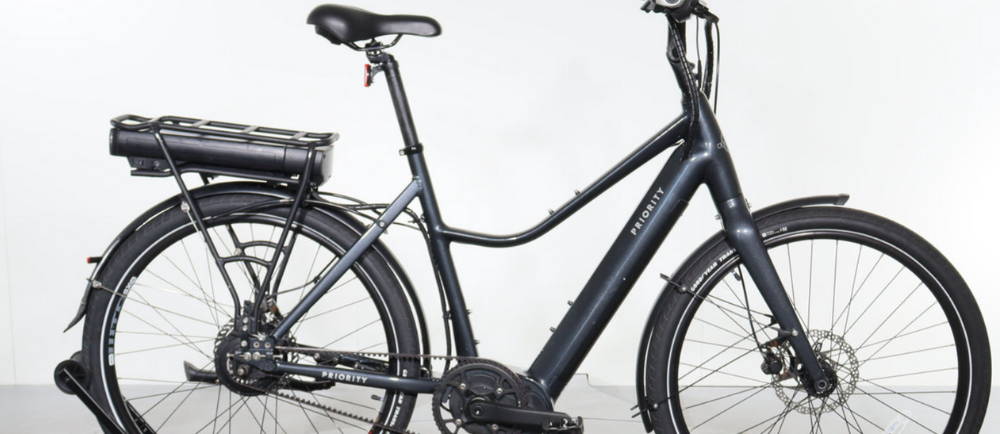
With Priority e-Bikes, the real answers come from the electronics themselves—not the name on the frame. It’s all about your motor, display, controller, battery, and, for the Skyline, the shifting system too.
So if you find a so-called universal code list online and it doesn’t match what your bike is telling you, don’t try to make it fit. Go with the manual for your specific system, or head to a shop where they can plug in and see exactly what your bike is saying.
Still, many Priority e-Bike models share the same families of displays and controllers, so you’ll spot some familiar error codes across the lineup. The list below is meant as a practical overview of what these codes usually mean, and what you can check yourself before calling in the experts. If your display’s wording is a little different, treat it as a clue, not the final word.
Complete List of Priority E-Bike Error Codes
Error code 03: Brake signal fault
What it is: The system thinks the brakes are applied, so it cuts motor power.
Try this first: Make sure both brake levers fully return. If your levers have motor cut-off sensors, look for anything sticky, misaligned, or snagged. Restart.
When to stop DIY: If the assist won’t engage at all and the code returns immediately after a clean restart.
Error code 04: Throttle fault
What it is: The throttle isn’t back at “zero,” or the signal is out of range.
Try this first: Restart without touching the throttle. Then check the throttle plug and any visible wiring near the bars and head tube.
When to stop DIY: If it comes back right away, or the bike surges, cuts in and out, or feels unpredictable.
Error code 06: Low voltage protection
What it is: Battery voltage is too low (or drops too low under load), so the system limits or cuts assist.
Try this first: Fully charge. Reseat the battery. Take a quick look at the contacts for grime or moisture.
When to stop DIY: If it happens with a fully charged battery and returns immediately.
Error code 07: Overvoltage protection
What it is: The system is seeing a voltage that’s out of range.
Try this first: Restart once. If it shows up right after charging or immediately at startup, stop experimenting.
When to stop DIY: If it repeats. This is “don’t guess” territory.
Error code 08: Hall sensor fault
What it is: The motor hall sensor signal is abnormal (often wiring-related, sometimes internal).
Try this first: Restart, then inspect any visible motor cable and connector for damage, pinch points, or a half-seated plug.
When to stop DIY: If it returns immediately after a clean restart, it usually needs diagnostics or a parts-level fix.
Error code 09: Phase wire fault
What it is: A motor phase wire or cable issue.
Try this first: Restart, then visually inspect the motor cable run for damage, especially near the axle and frame exits.
When to stop DIY: If it repeats. Don’t keep riding and cooking electronics.
Error code 10: Overtemperature protection
What it is: The controller is hot enough that it’s protecting itself.
Try this first: Power down and let it cool (shade helps). On the next ride, use lower assist and keep your cadence up.
When to stop DIY: If it returns quickly in normal temperatures after cooling and restarting.
🤝 Why you can trust us for buying an e-Bike?
- Great prices: Get your next e-Bike for up to 60% off retail prices, in new or like-new conditions.
- Quality Guaranteed: Every e-Bike is rigorously certified by a team of professional mechanics, and comes with a 1-year warranty.
- Delivered to Your Door: Delivered to your home within a week. Change your mind? Return it thanks to our 14-day return policy.
🚲 We also buy e-Bikes. Click here for an estimation!
Error code 12: Current sensor fault
What it is: The system is seeing a current sensor problem (not just “you pulled too much current”).
Try this first: Restart. Do a quick connector check where you can safely access it.
When to stop DIY: If it comes back right away, this is dealer-diagnostic territory.
Error code 21: Speed sensor fault
What it is: The system isn’t getting a clean speed signal, so it limits or cuts assist.
Try this first: Check magnet alignment and spacing, clean the sensor area, and restart. If the bike was transported on a rack, re-check this. Magnets get bumped more than people think.
When to stop DIY: If the assist cuts out repeatedly and the code returns immediately after a restart.
Error code 30: Communication fault
What it is: The display and controller aren’t communicating cleanly.
Try this first: Restart. Reseat the battery. Look for obvious cable strain near the head tube and along the downtube.
When to stop DIY: If it returns immediately after a clean restart.
Skyline Smart.Shift: shifting-related hiccups
The Skyline brings another layer: Pinion Smart.Shift. If shifting gets wonky after travel, a low-battery event, or a bumped connector, treat it as a communication hiccup first. Restart the bike, then take a close look at the cabling around the bars and downtube.
If shifting or assisting starts acting up, resist the urge to force it. Let the diagnostics do the work. Head straight to a shop if your assist keeps cutting in and out, the same code pops up right after two restarts, or you spot any corrosion, water where it shouldn’t be, burnt smells, melted plastic, or damaged wires. burnt smells, melted plastic, or damaged wiring.
If your bike is stuck in the shop waiting for parts, you don’t have to stop riding. Upway Flex offers a subscription e-bike with maintenance and insurance included, so you can keep rolling while your main ride gets sorted out.
Frequently Asked Questions
What’s the first thing I should check when a code pops up mid-ride?
Why can’t I find my exact code in an online “Priority error code list”?
Because the code language comes from your specific electronics (display, controller, motor, battery, and on Skyline, shifting). Priority uses different systems across models, and code sets vary by display and controller family.
How do you reset an e-Bike error code?
Power off, wait 10 seconds, restart. If the battery is removable, remove it for 20–30 seconds, reinstall firmly, then restart.
Key Takeaways
- Priority e-Bikes don’t use a single universal “error code language.” Your model and electronics matter.
- Two clean restarts plus a quick battery, cable, and speed-sensor check should be your limit before you escalate.
- If the same code returns immediately, especially communication, voltage, sensor, or temperature faults, stop troubleshooting and get proper diagnostics.